We Chose Redshift!
Previous post: PostgreSQL Optimization (Part 3): Turning tags into an index with Array + GIN
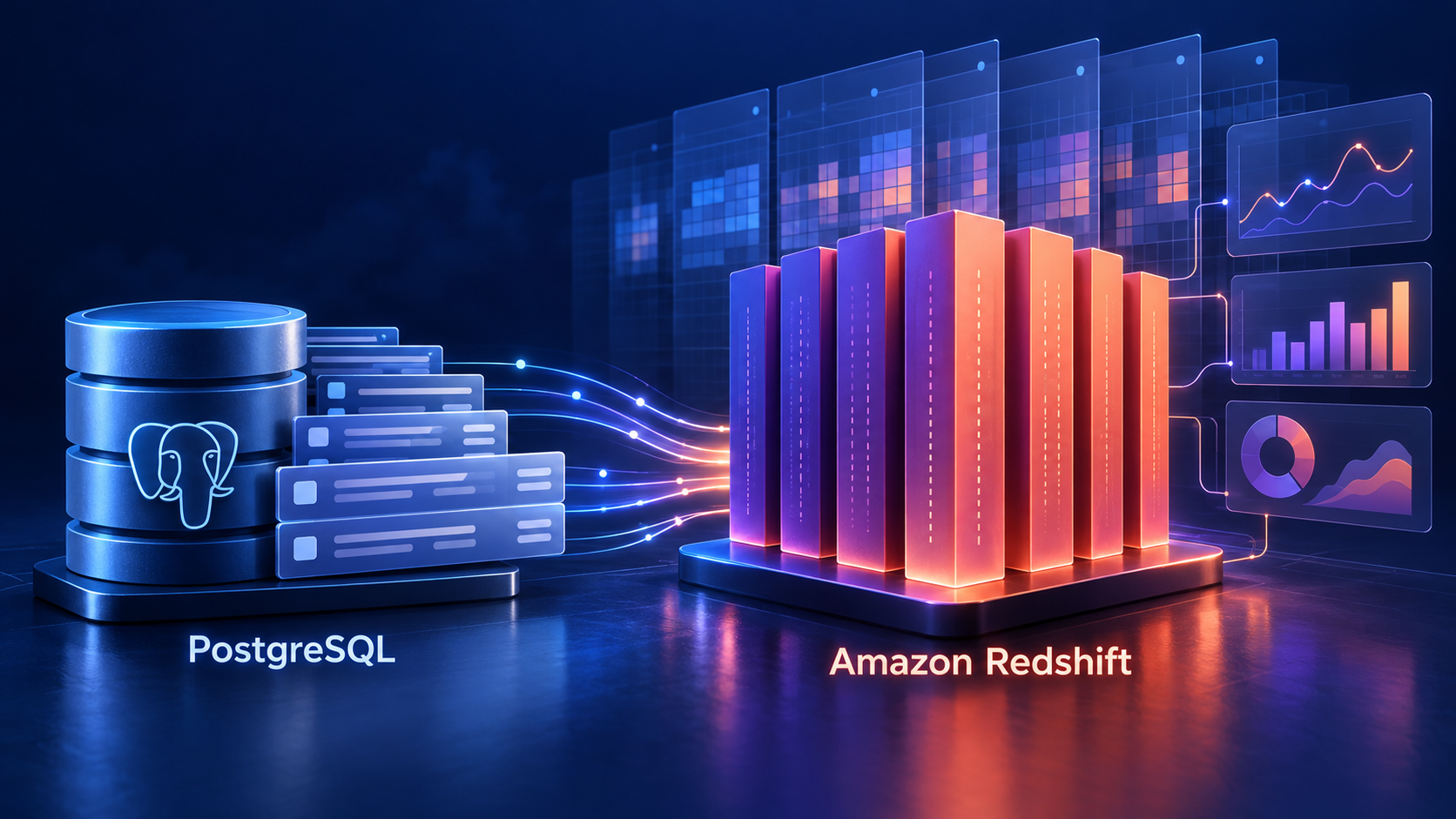
Why did we move from PostgreSQL to Redshift?
The first three posts focused on tuning tag queries. In production, we also need historical analysis, such as comparing how the same group of customers’ average balances change each month and how different products compare.
| Selection factor | RDS for PostgreSQL (the GIN proposal) | Redshift |
|---|---|---|
| Historical analysis performance | GIN can filter records first; when many records match, a large amount of data still needs to be read and aggregated | Columnar storage and compression reduce reads, while parallel processing distributes aggregation work |
| Maintenance for daily writes and updates | New records and tag updates add GIN maintenance and cleanup work | No GIN index to maintain, though loading, updates, and data organization still have costs |
| Compute resources and cost | Costs vary with the instance, IOPS, and storage configuration | If analysis does not run around the clock, Serverless on-demand billing can reduce idle compute costs; storage is billed separately |
This dataset grows by around 20 TB a year. Production needs to analyze at least two years of history—40 TB or more—while handling daily writes and updates.
40 TB itself is within the maximum storage specifications for RDS for PostgreSQL. We chose Redshift for its columnar storage and parallel processing for large historical analyses, without needing to build and maintain a GIN index. When analysis has idle periods, Serverless on-demand billing can also reduce compute costs.
SUPER arrays in Redshift
The previous post proposed converting tags into PostgreSQL’s native text[] arrays and adding a GIN index. In Redshift, we store the tags in SUPER, a data type that can hold arrays and objects. It does not provide GIN indexing.
At ingestion, SPLIT_TO_ARRAY turns tag1;tag_VIP into ["tag1","tag_VIP"]. Queries can then compare complete tags without splitting the string again, avoiding the extra matches that LIKE '%tag_VIP%' would produce for values such as tag_VIP_plus.
CREATE TEMP TABLE customer_tags_demo AS
SELECT 1001 AS customer_id,
       SPLIT_TO_ARRAY('tag1;tag_VIP', ';') AS tags;

SELECT DISTINCT c.customer_id
FROM customer_tags_demo AS c,
     c.tags AS tag
WHERE tag = 'tag_VIP';
c.tags AS tag takes each tag from the array, and tag = 'tag_VIP' checks for a match. The expected result is customer 1001. DISTINCT keeps each customer from appearing more than once.
More records and more tags per record mean more work to expand and compare them.
What we learned: revisiting the choice with more information
I initially chose PostgreSQL because it was the database I knew best, and the pgvector extension supported vector search.
After considering production’s historical analysis needs, daily writes and updates, and AWS costs together, the team decided to move to Redshift.